Explore Device Repairs

Explore supported smartphones, tablets, and wearables. Find your device, check available repairs, and get an estimate before you proceed.

SUPPORTED DEVICES

Choose Your Device

Select your device to explore supported models and available repair options.

iPhone

44 models

Samsung

208 models

iPad

37 models

Apple Watch

21 models

Google Pixel

21 models

OPPO

201 models

vivo

162 models

Xiaomi

126 models

Redmi

41 models

Huawei

177 models

Honor

22 models

Realme

75 models

WHY CHOOSE FIXBOT

Why Choose FixBot

A straightforward repair experience with clear communication, practical solutions, and support across major device brands.

Wide Device Coverage

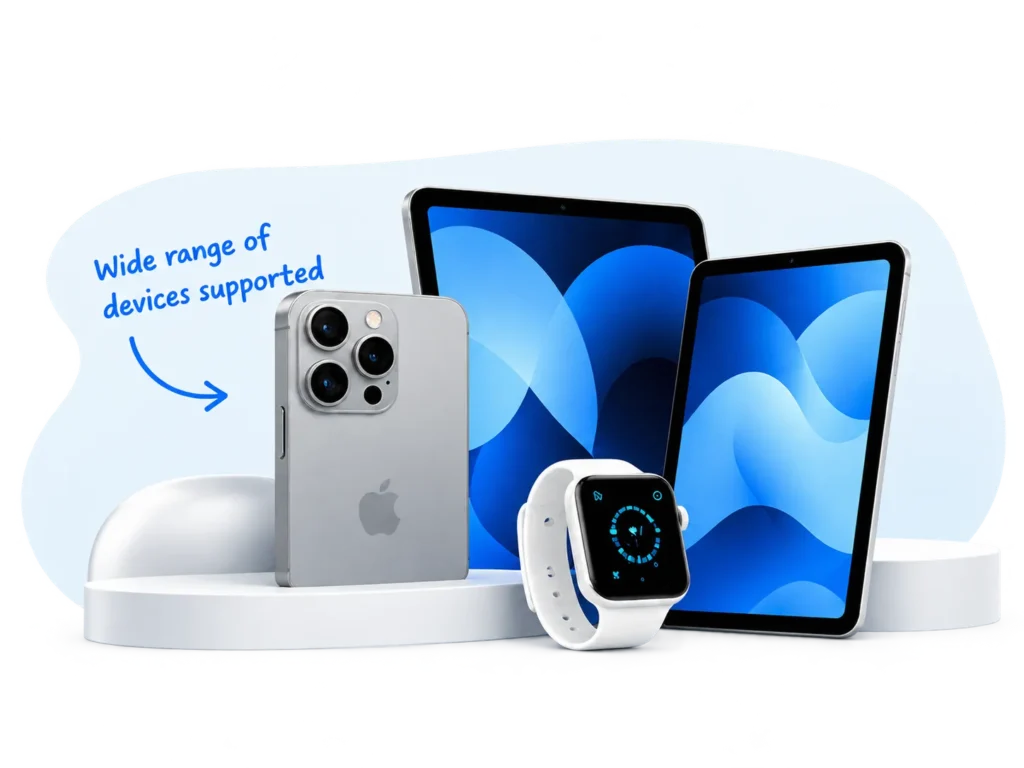
Support for iPhone, Samsung, iPad, Apple Watch, Google Pixel, OPPO, vivo, Xiaomi, Redmi, Huawei, Honor, and Realme.

Clear Price Estimates

Get a repair estimate first, so you know the expected cost before proceeding.

Common Issues Covered

From screen and battery issues to charging, camera, speaker, and other common device problems.

Convenient Enquiry Flow

Start with WhatsApp or the estimate flow, then continue based on your device and issue.

Store Visit Available

Customers can continue the process and visit the store for further checking when needed.

Customer-Focused Support

The process is designed to be simple, practical, and easy to understand from first enquiry to next step.

INSIDE OUR STORE IN SINGAPORE

See How FixBot Works

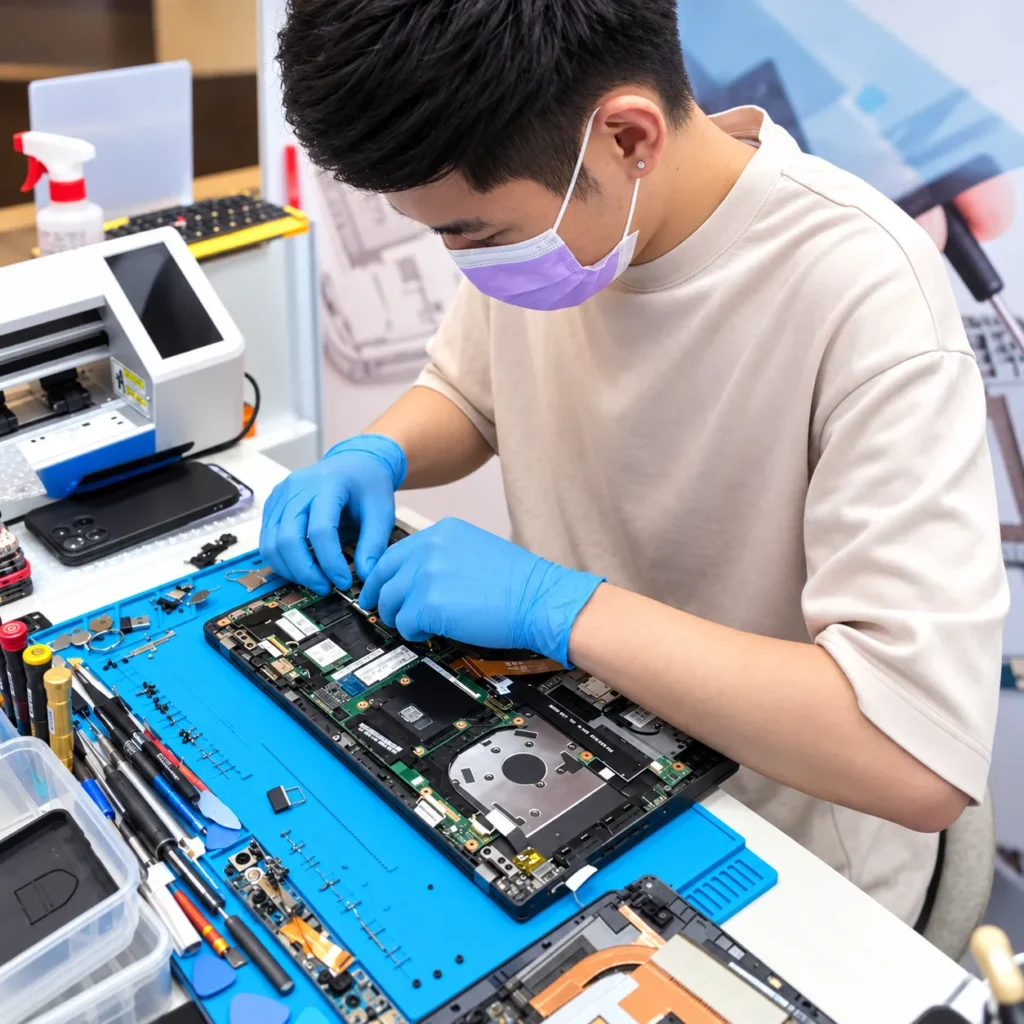
From expert diagnosis to professional repairs, take a look inside our Singapore store and see how our skilled technicians bring your devices back to life with care and precision.

OUR LOCATIONS

Visit Our Stores in Singapore

Drop by our conveniently located stores for professional device repairs, expert advice, and friendly service.

FixBot Novena — Square 2

10 Sinaran Drive, #04-07, Square 2, Singapore 307506

Daily, 11:00 AM – 9:00 PM

FixBot Bukit Batok — Le Quest Mall

4 Bukit Batok Street 41, #01-19, Le Quest Mall, Singapore 657991

Daily, 11:00 AM – 9:00 PM

CUSTOMER REVIEWS

What Our Customers Say About FixBot

Real feedback from customers who have visited our stores in Singapore. We’re grateful for the trust and support.

Google 4.9 ★★★★★

Novena Google rating

FREQUENTLY ASKED QUESTIONS

Got Questions? We’ve Got Answers.

Find quick answers to the most common questions about our repair process, pricing, warranty, and more.

Repair time depends on your device, the issue, parts availability, and assessment. FixBot can confirm an expected timeframe after reviewing your request.
Warranty terms depend on the repair. Please confirm the applicable coverage and any exclusions with FixBot before proceeding.
You can explore the listed iPhone, Samsung, iPad, Apple Watch, Google Pixel, OPPO, vivo, Xiaomi, Redmi, Huawei, Honor, and Realme categories. Availability depends on the exact model and repair.
Use Get Estimate to review available pricing for your selected device and issue. Some combinations need a quotation, and an inspection may change the appropriate repair option.
You can visit either store, but contact FixBot before coming to confirm current availability and whether an appointment is needed.
Please confirm current payment methods with FixBot before visiting.
DEVICE REPAIR INFORMATION

Device Repair Options in Singapore

Finding the right repair option starts with understanding your device and the problem you are experiencing. At FixBot, we help customers in Singapore explore repair options for supported smartphones, tablets, and wearable devices, with a clear path from choosing a device to requesting an estimate or speaking with our team.

Whether your phone has a cracked screen, your battery drains faster than expected, or your device is no longer charging properly, identifying the exact model and symptoms can help you take the next step.

01

Smartphone, Tablet and Wearable Devices

FixBot's device selection covers popular smartphone brands including Apple iPhone, Samsung, Google Pixel, OPPO, vivo, Xiaomi, Redmi, Huawei, HONOR, and realme. Customers can also explore selected tablet and wearable categories, including iPad and Apple Watch.

Each manufacturer produces devices with different components, specifications, and repair requirements. Even models from the same brand may use different screen assemblies, battery designs, charging components, or internal hardware.

Read Full Guide

For that reason, choosing the correct model matters. A repair option available for one Samsung Galaxy device may not be available for another, while different iPhone generations can have different replacement parts and pricing.

The FixBot estimate calculator helps customers narrow down their options by selecting a device category, exact model, issue, and applicable component quality.

Not every model supports every repair option. Some selections provide a displayed price, while others require confirmation from the FixBot team before an estimate can be provided.

If your device is not listed, you can still contact FixBot through WhatsApp and share your model details. Our team can review your enquiry and advise whether an appropriate option is available.

Our goal is to make the first step easier: find your device, understand the available options, and know how to proceed without guessing which service you need.

02

How We Assess Your Device

A device problem is not always caused by the component that first appears to be faulty.

For example, a phone that does not charge may have a charging-port issue, a battery problem, or another hardware fault. Similarly, a phone with a black screen may still be operating internally, while a visible display problem can sometimes involve more than the outer glass.

Read Full Guide

This is why describing the symptoms accurately is an important part of the repair enquiry.

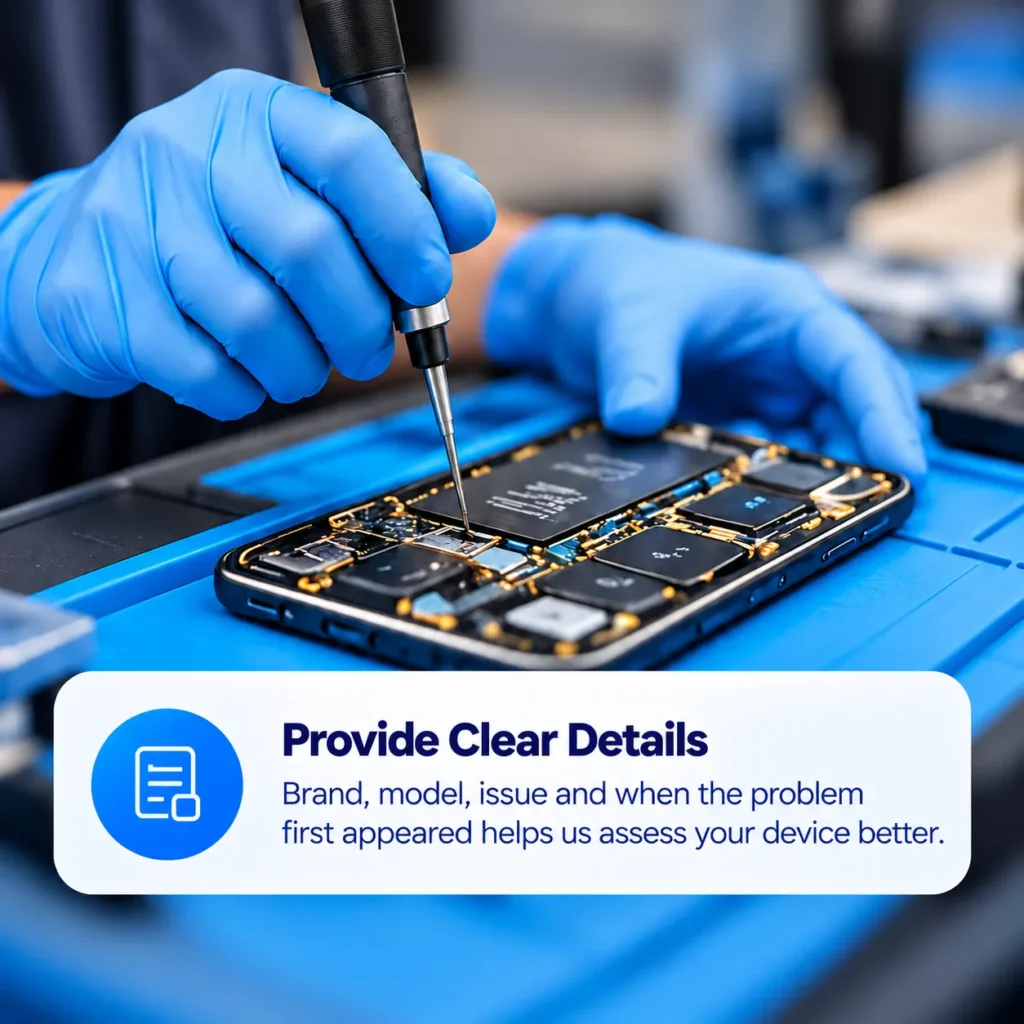
When contacting FixBot, we recommend preparing a few details about your device: its brand, exact model, the issue you are experiencing, and when the problem first appeared.

For screen-related problems, tell us whether the display is cracked, flickering, showing lines, or not responding to touch. These symptoms help distinguish different types of display problems, although a technician may still need to inspect the device.

For battery-related concerns, useful details include unusually fast battery drain, unexpected shutdowns, charging difficulties, or a device that becomes unusually warm during normal use.

For charging issues, explain whether the device charges intermittently, only charges at certain cable positions, or does not respond to charging at all. Such symptoms provide useful context but do not establish a final diagnosis.

If the device has been exposed to liquid, avoid repeatedly charging or powering it on to test whether it still works. Contact our team for guidance on the next step.

Where further assessment is needed, the technician can examine the device before confirming an appropriate repair recommendation.

Providing clear information helps reduce unnecessary assumptions and allows the enquiry to begin with a better understanding of the problem.

03

Our Approach to Device Repairs

A good repair experience should begin with clear information, not uncertainty about what happens next.

FixBot provides an online estimate journey that helps customers explore supported devices and available pricing before continuing to WhatsApp. This allows you to review relevant repair options without having to choose a service based only on a general description.

The process begins with selecting your device category and model. You can then choose the issue or issues that match what you are experiencing.

Where applicable, the calculator also presents different component quality options. This matters because the type of replacement component can affect pricing and availability.

Read Full Guide

Understanding your estimate

For supported combinations with an approved Final Price, the calculator displays a numeric estimate that includes labour. This gives customers an initial pricing reference before discussing the repair with FixBot.

However, not every combination has a confirmed numeric price. Some models, repair types, or quality options require additional verification.

Rather than displaying an unreliable figure, these cases are directed to WhatsApp for a quotation.

A displayed estimate should also be understood in the context of the information selected. If an inspection identifies another fault, an incorrect device model, or a different component requirement, the appropriate repair option and quotation may need to be reviewed.

Choosing the next step

After reviewing your estimate, you can continue the enquiry through WhatsApp. Share your device information and describe any additional concerns that may not have been covered by the calculator.

For customers who prefer an in-person discussion, FixBot also has physical store locations in Singapore.

Depending on the device and problem, a technician may need to inspect the hardware before recommending a repair. This is especially relevant when symptoms have more than one possible cause or when the condition of internal components cannot be determined from an online description.

Preparing your device

Before visiting for a repair, consider backing up important personal information if your device is still working and a backup can be completed safely.

You should also let the team know about previous repairs, accidental damage, liquid exposure, or other symptoms that might help with assessment.

Repair timeframes and available component options can vary. We recommend confirming the expected process, quotation, and applicable terms before proceeding.

For more information about individual problems, visit our Services page. If you already know your device model, you can proceed directly to Get Estimate.

04

Visit FixBot in Singapore

Some device problems are easier to discuss in person, particularly when several symptoms occur together or when the device needs a physical inspection.

FixBot has two store locations in Singapore, allowing customers to choose the branch that is more convenient for them.

Read Full Guide

FixBot Novena — Square 2

Our Novena branch is located at 10 Sinaran Drive, #04-07, Square 2, Singapore 307506.

Customers can visit the store to discuss supported device repairs, enquire about available options, and arrange further assessment where required.

FixBot Bukit Batok — Le Quest Mall

Our Bukit Batok branch is located at 4 Bukit Batok Street 41, #01-19, Le Quest Mall, Singapore 657991.

This location provides another option for customers who prefer to enquire about their devices in person.

Both locations are part of the FixBot repair service network. You can view each branch's directions, contact information, and current opening hours on our Locations page.

If you are planning to visit for a particular repair, contacting FixBot beforehand can help confirm the relevant service options and whether additional information is needed.

Whether you start online or visit a store, the objective is the same: understand the condition of your device, explore the appropriate repair options, and make an informed decision before proceeding.

Explore your device options with FixBot. Use Get Estimate to review available pricing, or contact our team on WhatsApp if you need help identifying the next step.

Ready to get your device checked?

Chat with FixBot or get a quick estimate in minutes.