
Explore Device Services
Browse screen, battery, charging, camera, and other device services. Choose your device to check available estimates.
- Home
- /
- Services
Find the Right Service for Your Device
Explore available screen, battery, charging, camera, and other device services.
Select your device to check supported options and estimates.
Screen & Glass
Check display and glass-related device services.
Battery
Explore supported battery service options.
Charging
See charging-related service options for supported devices.
Back Glass & Housing
Review exterior service options for supported models.
Mainboard
Check supported board-level service options.
Camera
Camera-related services may require confirmation.

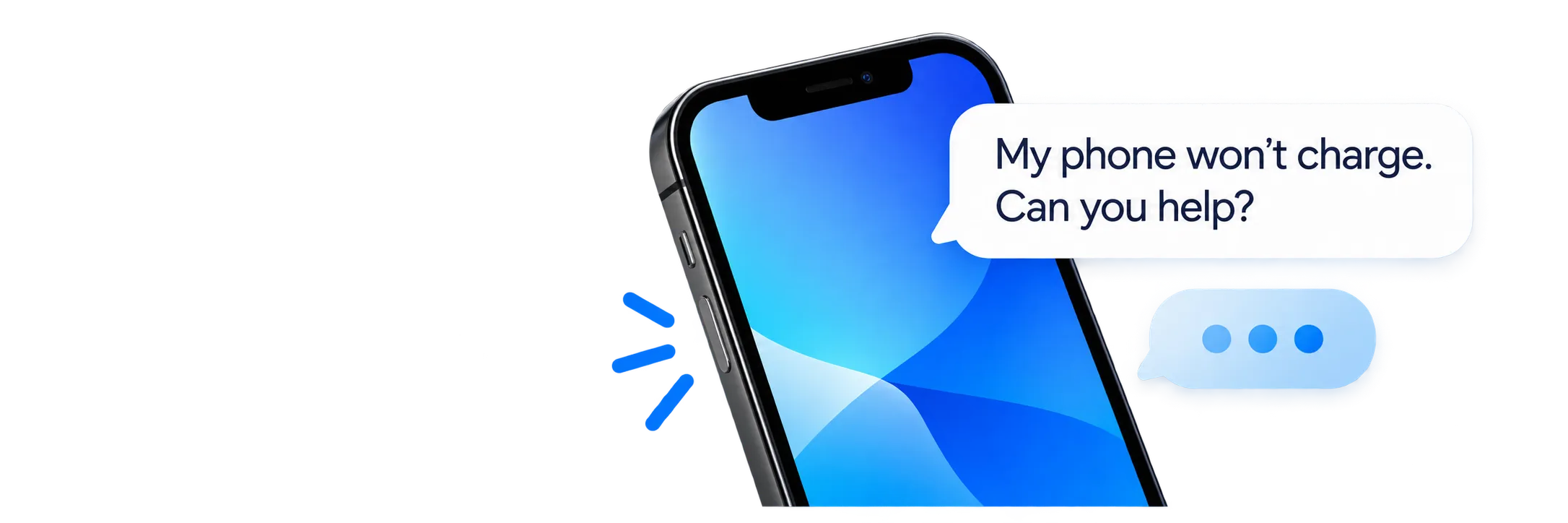
Not sure what’s wrong with your device?
Chat with FixBot and tell us the issue. We’ll help you choose the right next step.
Clear Estimate Flow
Know the available next step before you proceed
Multiple Device Services
Explore common service categories for supported devices
Store Visit Available
Visit our Singapore locations for in-person support
Customer-Focused Support
Get help choosing the right option for your device
Understanding Device Service Options
Explore common device issues and learn which service category may be relevant before requesting an estimate or speaking with FixBot.
Screen & Glass
Covers display and glass-related issues that may affect visibility or touch response.
Common signs
- Cracked or chipped screen
- Display stays black or flickers
- Touch response is delayed or unresponsive
Battery
Helps address battery-related problems that can affect daily device use.
Common signs
- Battery drains unusually fast
- Device shuts down unexpectedly
- Phone heats up during normal use
Charging
For charging-related issues where the device does not power up or charge normally.
Common signs
- Device is not charging
- Charging connection feels unstable
- Battery percentage does not increase
Back Glass & Housing
Applies to exterior damage affecting the device back or outer frame.
Common signs
- Back glass is cracked
- Frame is bent or dented
- Exterior damage affects overall handling
Mainboard
May be relevant when a device shows deeper internal issues that require inspection.
Common signs
- Device does not power on
- Important functions stop working
- Issue remains after basic troubleshooting
Camera
For camera-related issues that may require confirmation before quote availability.
Common signs
- Camera does not open
- Photos are blurry or unclear
- Front or rear camera is not functioning properly
Service availability depends on the selected device model. Some enquiries may require direct confirmation with FixBot before a quote is provided.
A Closer Look at Our Device Services
Explore the different components and service areas supported by FixBot, from display and power issues to internal and exterior device work.

Display & Glass Services
Support for cracked screens, display issues, touch response problems, and other glass-related device concerns. These services help address visible damage and usability issues affecting everyday device use.
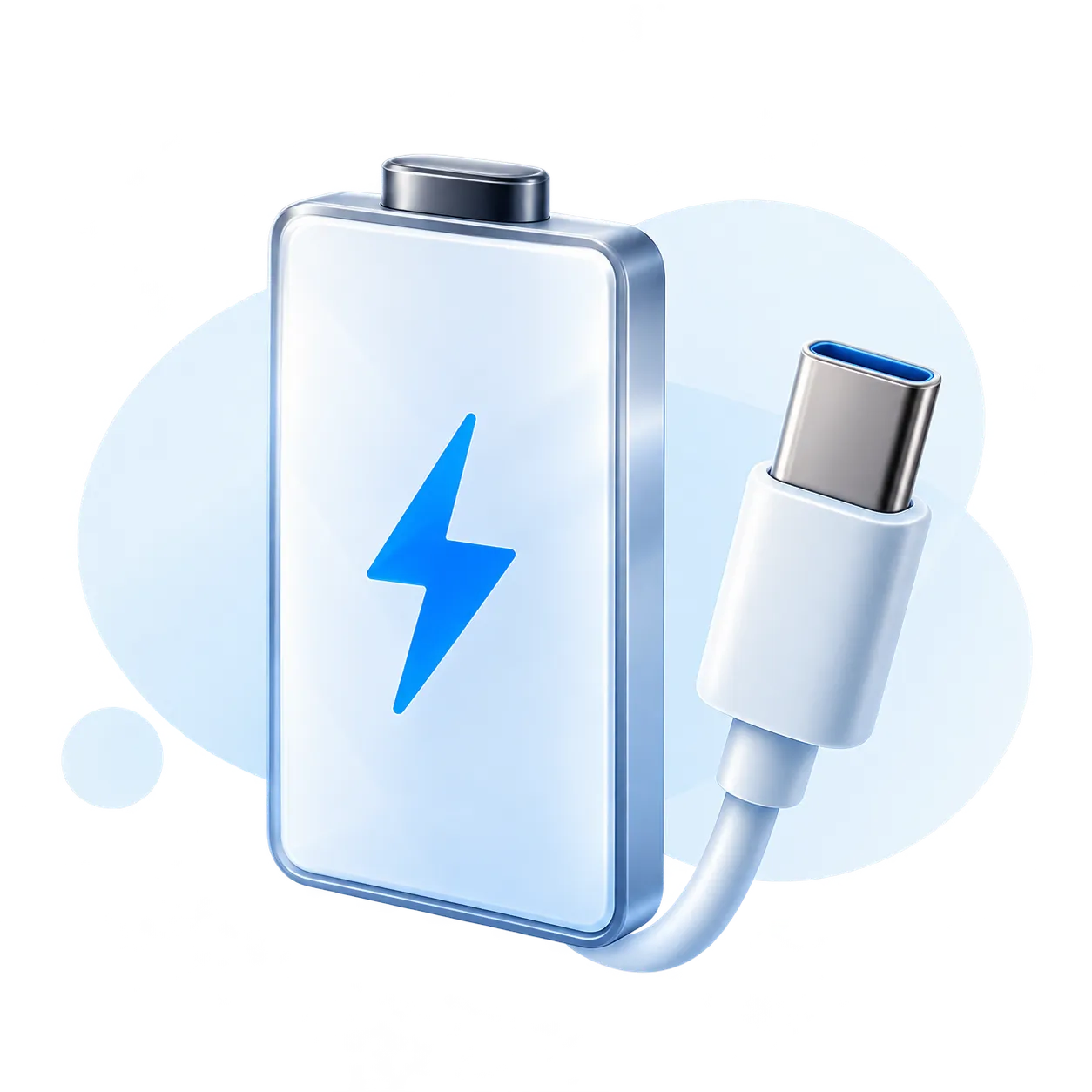
Power & Charging Support
Battery and charging-related services for supported devices, including issues such as unstable charging, low battery performance, or devices that do not power as expected.
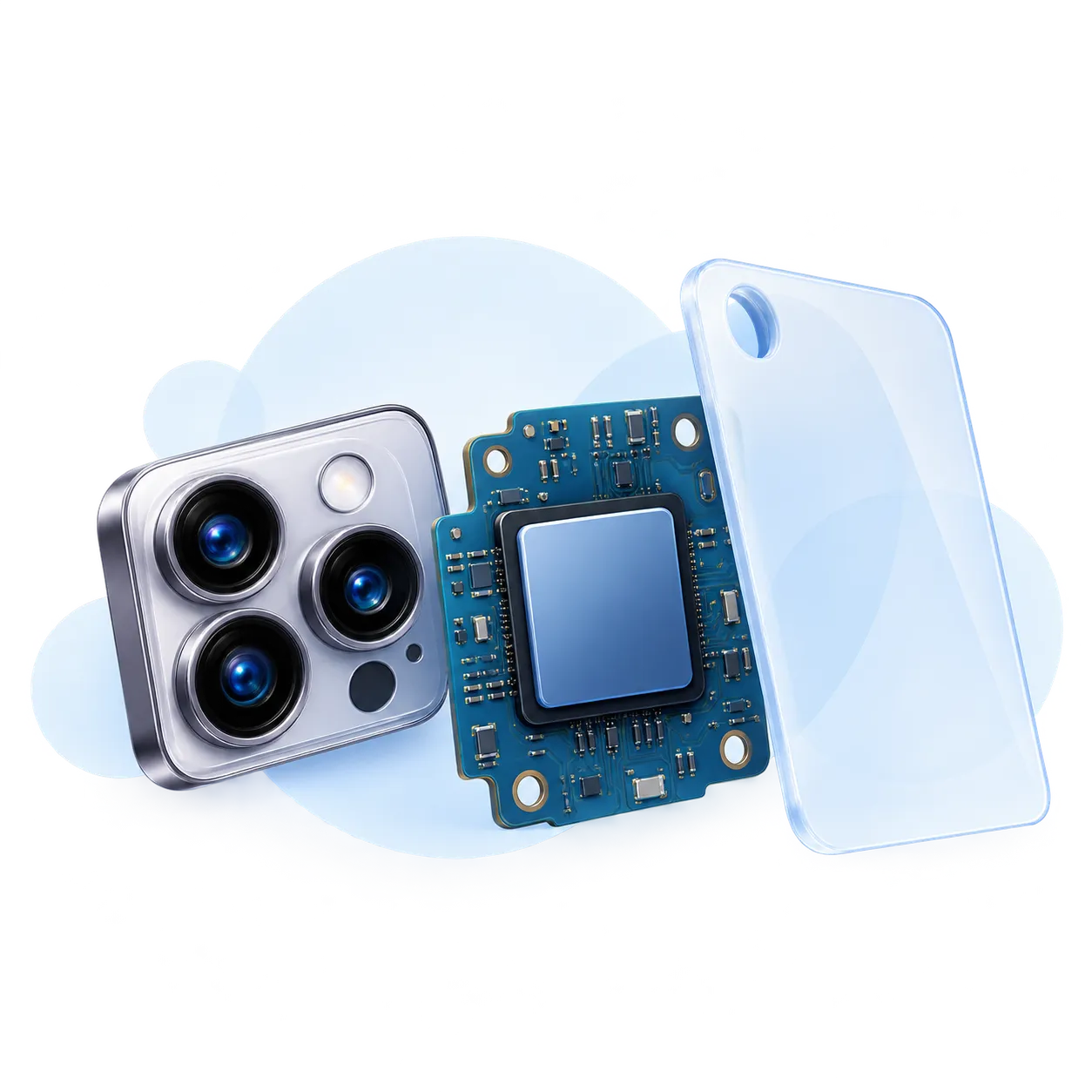
Internal, Camera & Exterior Work
Additional service areas may include mainboard-related issues, camera concerns, and exterior device damage such as back glass or housing problems, depending on the selected model and service availability.
Service availability depends on the selected device model. Some service areas may require direct confirmation with FixBot before quote availability.
Common Questions About Our Device Services
Helpful information about supported devices, service availability, and what to expect when contacting FixBot.
Device Services in Singapore
FixBot supports service enquiries for selected smartphones, tablets, and wearables in Singapore. Our recorded service categories include screen and glass-related work, batteries, charging, cameras, mainboard services, and exterior components such as back glass and housing. The options available depend on the device brand and model.
Different device problems can produce similar symptoms. For example, a device that does not power on may require further assessment rather than automatically indicating a battery or mainboard issue. Identifying the affected device and describing the symptoms helps determine which service options may be relevant.
Customers can explore the supported device categories on the Repairs Page. If a service is not listed for their model, or they are unsure which option is appropriate, they can contact FixBot to enquire about the next step.