A phone that behaves differently can interrupt work, travel and everyday communication. Some problems come from software or accessories; others need a closer look at the hardware. The signs below can help you describe the issue before arranging an assessment.
Screen and touch problems
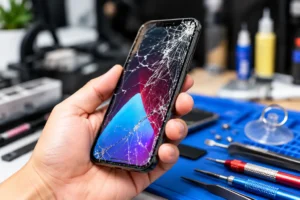
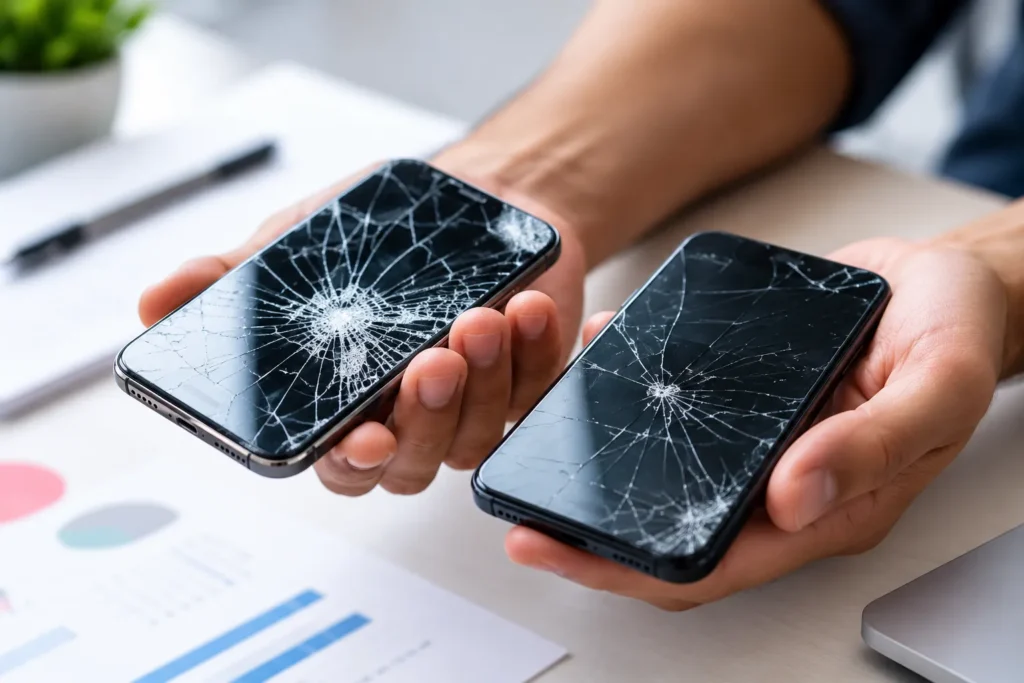
Cracks, flickering, dark patches, unresponsive areas or taps that register by themselves can make a phone difficult to use. Broken glass can also cause injury. Avoid pressing damaged areas or picking at loose fragments. A technician can assess whether the glass, display or touch components are affected.
Battery drain and unusual heat
Batteries lose capacity with use, but rapid drain can also have software causes. Check whether a particular app is using unusually high power. Repeated shutdowns, excessive heat or a screen lifting away from the frame need prompt attention. Stop using and charging a device with suspected battery swelling; do not press, puncture or try to remove the battery yourself.
Charging difficulties
Intermittent charging may involve the cable, adaptor, port, battery or charging circuitry. Try an undamaged, compatible cable and adaptor if the phone is dry and shows no signs of heat or swelling. Do not force a connector or insert tools or liquids into the port.
Freezing, sound and camera faults
Low storage or outdated software can contribute to crashes. Where it is safe to do so, back up your data and check storage and software updates. Persistent faults after basic checks may need further diagnosis.
Muffled calls, microphone problems, blurred photos or a camera app that repeatedly fails can have several causes. Check settings and remove any case obstructing a microphone or lens before assuming a component needs replacing.
Buttons, liquid exposure and connectivity
Sticking buttons and repeated Wi-Fi, Bluetooth or mobile-signal failures are worth recording. Rule out network or accessory problems where possible. After liquid exposure, disconnect charging accessories and seek advice. Do not apply heat or assume that a phone is safe to charge because its exterior looks dry.
Prepare for an assessment
Note when the symptoms started, any drops or liquid exposure, and which checks you have tried. Back up accessible data if it is safe to use the phone. Explore device repair support or use Get Estimate to review available selections before discussing the next step.