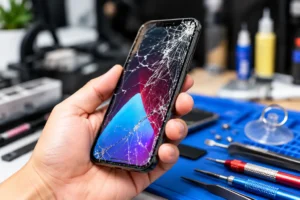
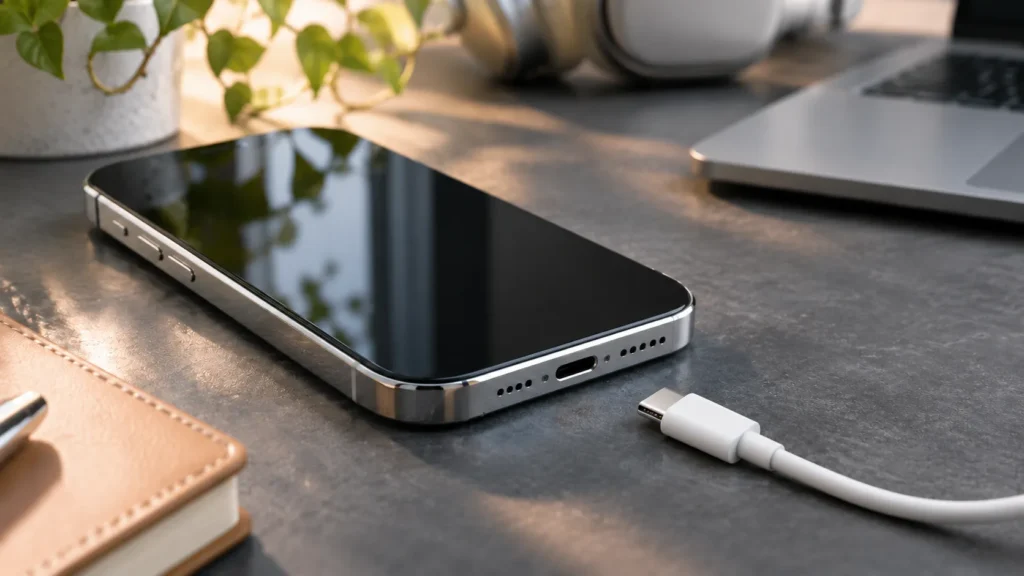
An iPhone that will not charge can have several causes. The cable or power adaptor may be faulty, the port may be obstructed, software may be unresponsive, or the battery or charging circuitry may need attention. Start with checks that do not require opening the phone.
Check for safety concerns first
Stop charging if the phone or accessory is unusually hot, damaged, wet or showing signs of battery swelling. Disconnect the power source if safe. Do not keep trying different chargers on a device with these warning signs.
Check the cable and power source
Inspect the cable and adaptor for visible wear. Use undamaged accessories compatible with your particular iPhone and connector. If the phone is dry and otherwise safe, try a known-working cable, adaptor and wall socket. A fault that follows the accessory may not require a phone repair.
Look at the charging port without probing it
Use a light to look for obvious obstruction or damage. Do not insert metal tools, scrape the contacts, add liquid or force the plug. If debris is lodged inside or the connector feels loose, ask a technician to inspect it. Repeatedly bending the cable to make it connect can make the problem worse.
Consider software and battery behaviour
If the phone is responsive, restarting it may help with a temporary software problem. Restart procedures vary by model, so follow the instructions for your device. Check for a suitable software update only when the phone has stable power and your data is backed up.
Rapid battery drain, repeated shutdowns or charging that stops unexpectedly can need further assessment. Battery-health information is useful context but does not identify every possible fault. Avoid resetting settings or erasing the phone simply to test an uncertain hardware problem.
When to seek professional help
- Charging works only when the cable is held at an angle.
- The phone does not recognise a known-working compatible accessory.
- There is visible port damage or a history of liquid exposure.
- The device becomes unusually hot or shows battery swelling.
An assessment can help distinguish a port fault from a battery or internal charging-circuit issue. Ask what testing and proposed work are included; timing, parts and final cost depend on the diagnosis.
Reduce wear on the charging connection
Keep connectors dry, handle plugs gently and avoid damaged accessories. Charge on a suitable ventilated surface and do not force a connector into a blocked port.
Explore repair support or check available estimate selections. If you plan to visit, review the location information first.